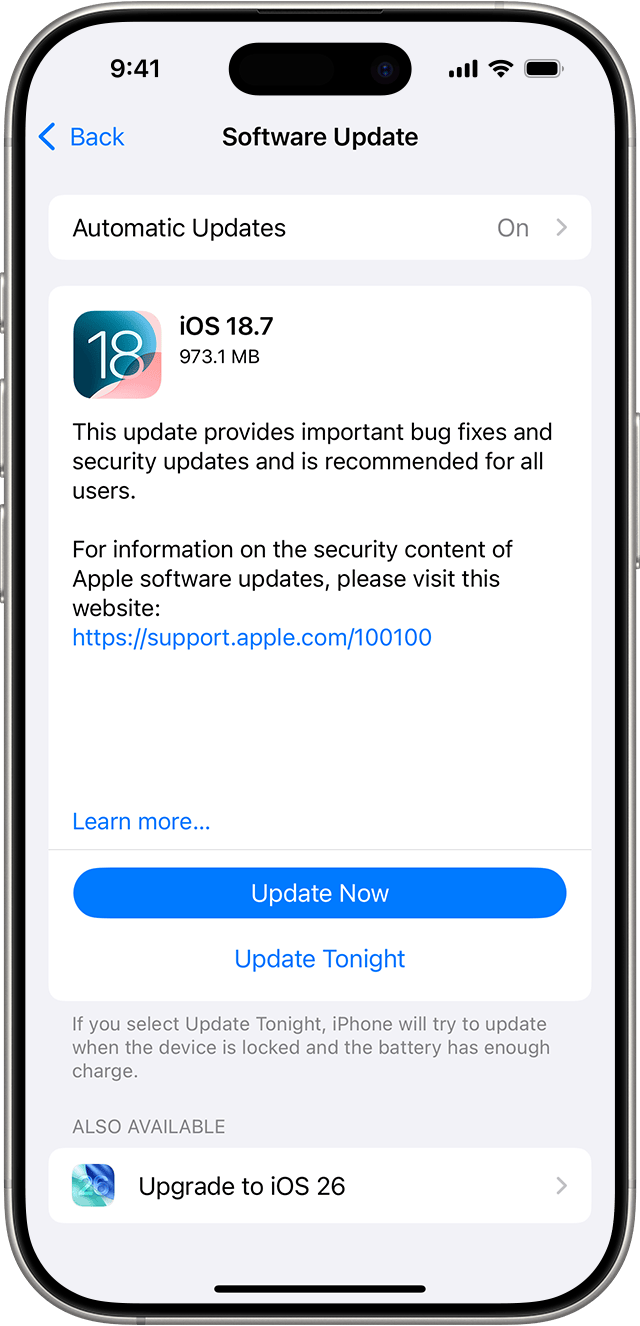
When I visited my 101-year-old grandpa a few weeks ago, he wanted me to help him with a few things on his three phones. One of the phones is an iPhone, and when I went to the Settings screen, I saw he had not upgraded to the latest operating system version. I told him there were some very important security fixes in the latest version and I initiated the upgrade process for him.
Security researchers recently warned that a critical iOS vulnerability was being actively exploited, meaning attackers were already using it against real people, not just testing it in a lab. This is why the latest iPhone update matters so much.
The flaw allows attackers to take control of an iPhone without the victim clicking a link, opening an attachment, or installing an app. These are often called zero-click attacks, and they are especially dangerous because there is nothing obvious for the user to avoid.
If your iPhone is not updated, an attacker could potentially read messages, access photos, track location data, activate the microphone, or use the device as a jumping off point to access other accounts.
For journalists, executives, activists, and everyday users alike, this kind of access can lead to identity theft, financial fraud, or long term surveillance. Once a vulnerability like this becomes public, criminals race to exploit it before people patch their devices.
According to reporting on the issue, hundreds of millions of users were at risk until the update was installed, including people who believed their phones were secure simply because they were not clicking suspicious links. That assumption no longer holds.
Installing the update takes only a few minutes. On your iPhone, go to Settings, tap General, then tap Software Update. If an update is available, tap Download and Install and follow the prompts. Make sure your phone is connected to Wi-Fi and plugged into power, or has sufficient battery charge.
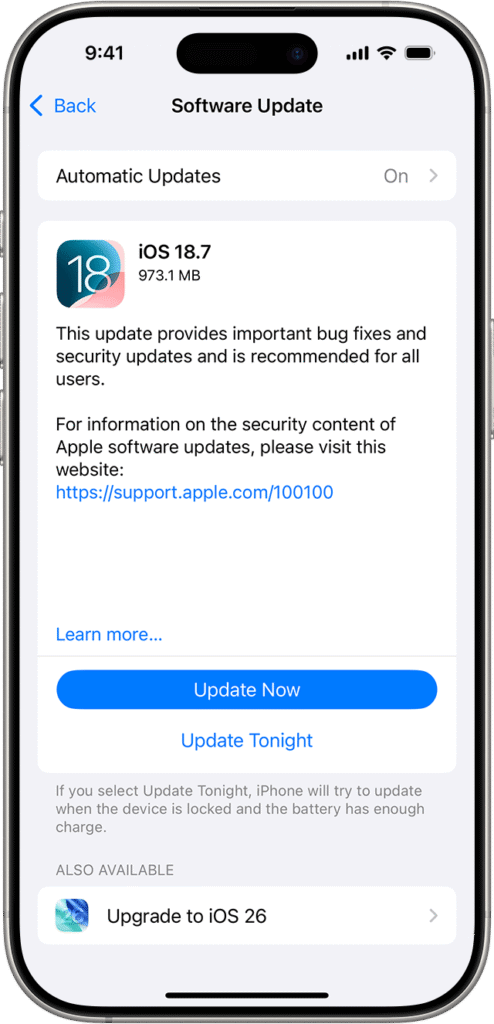
Even though this “upgrade” didn’t qualify as an automatic “update”, to protect yourself going forward turn on automatic updates. In Settings, go to General, then Software Update, then Automatic Updates.
Apple releases updates like this to stop attacks that are already happening. Delaying installation does not make your phone safer. It leaves it exposed. Keeping iOS up to date is one of the simplest and most effective ways to protect your data and your privacy. As a bonus, you even get the new call screening function I wrote about recently!